MCP is live
You can now use By30Days from your AI client: run research, edit drafts, set up schedules and publish to connected channels.
Ask your agent to research a topic, prepare an article in your blog’s voice, check a draft or show your spending. MCP gives it access to your By30Days tools and data under the same account, roles and limits.
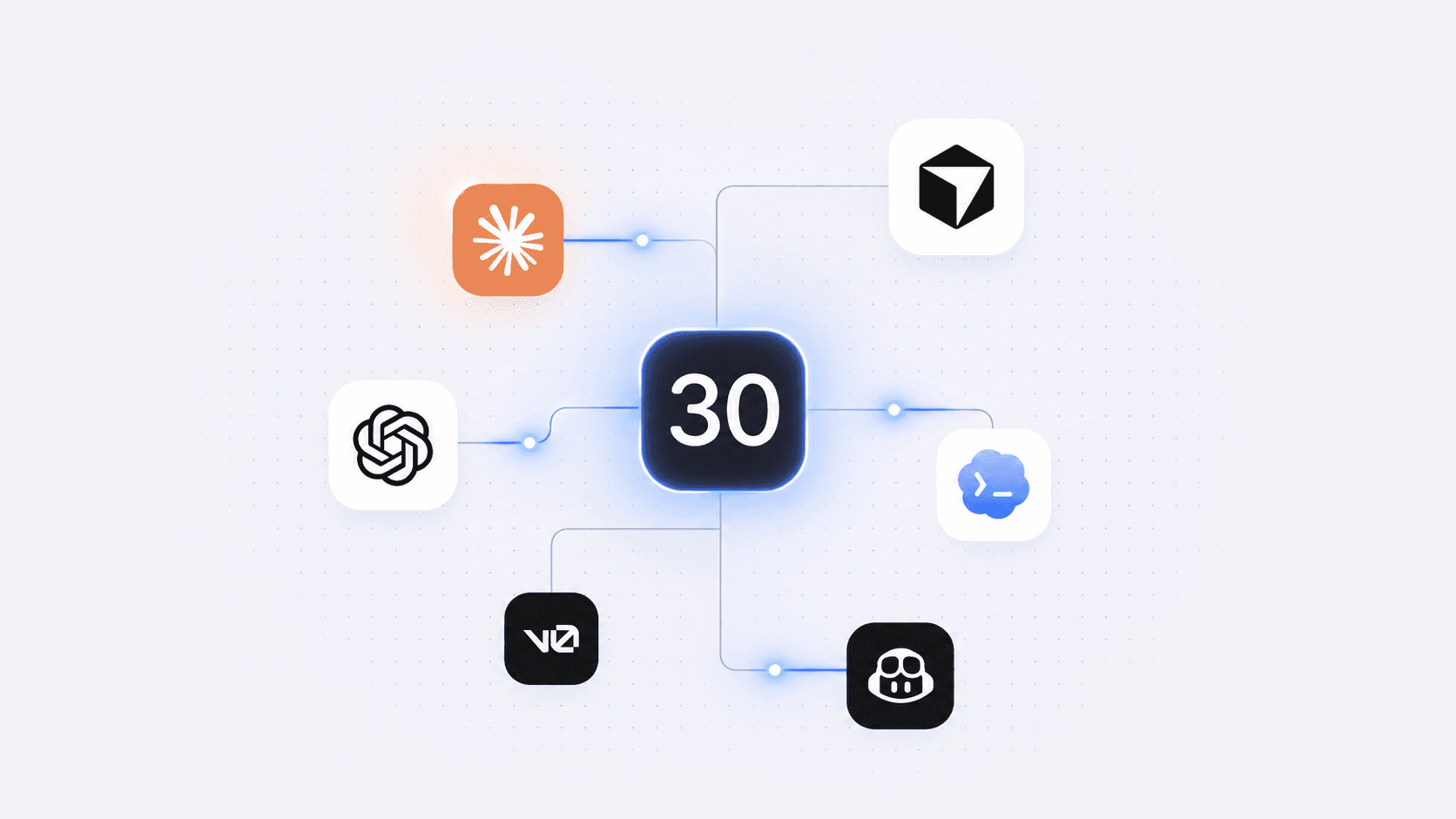
Enable the server in Settings → MCP, then connect your client through OAuth and choose the workspaces and access permissions. Clients include Claude, Claude Code, Cursor, Codex, ChatGPT, Gemini CLI and VS Code. Clients without OAuth can use a personal MCP key.
Connecting and reading are free. Paid tools use your account’s credits just as they do in the panel, with no extra charge for MCP.