Give your AI agents access to By30Days
Manage your content and publish directly from your favorite AI client. MCP gives you access to every tool and all your data, so you don’t have to open a dashboard or copy and paste information between apps.
Same credits as the panel, no extra charge.
One MCP link provides all the tools
Review this week’s e-commerce market and publish the overview on my blog tomorrow at 9 AM.
I’ll research this week’s e-commerce market, write the overview in your blog voice, and prepare it for publication tomorrow at 9 AM.
Used By30Days MCP
{
  "topic": "e-commerce market",
  "timeframe": "7d",
  "language": "en"
}
From research to a draft and a scheduled blog post, all in this chat.
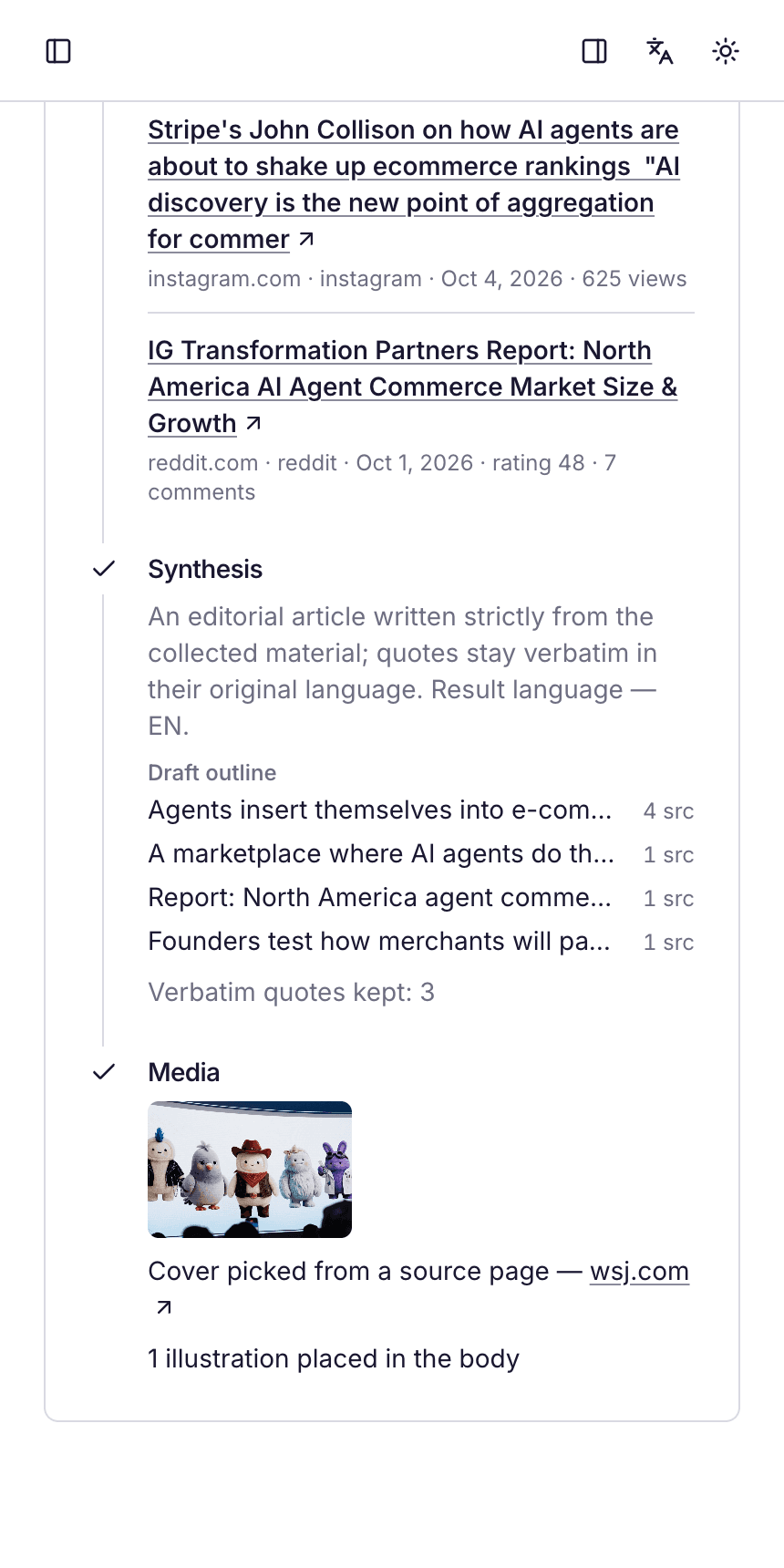
Research trail
- Source links
- Review the material behind the overview.
- Draft outline
- See how the research becomes an article.
- Media
- Trace the article’s images to their sources.
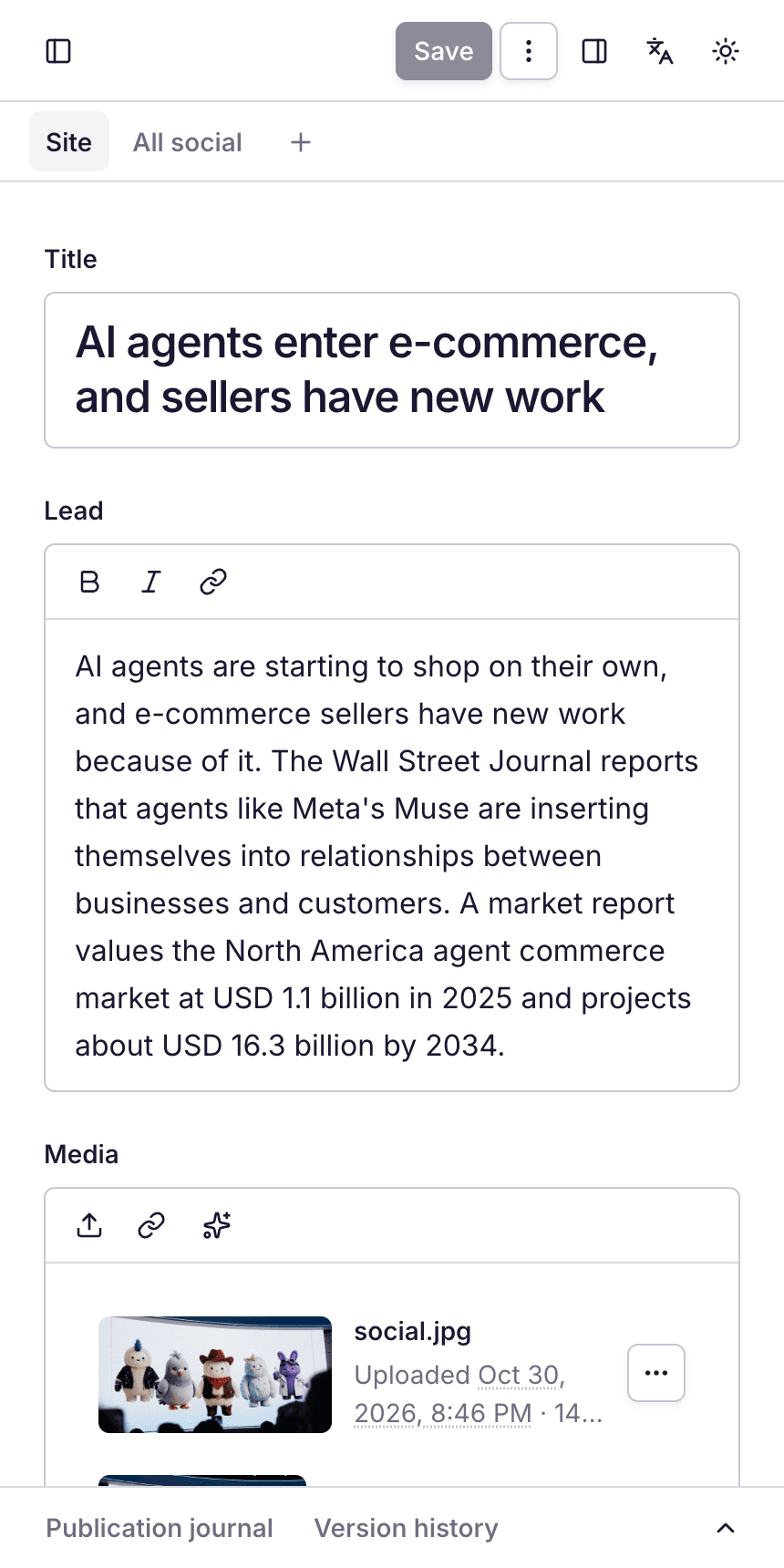
Article draft
- Title and lead
- Review the opening before publication.
- Your blog voice
- Write with your saved instructions.
- Article and media
- Keep the writing and its images together.
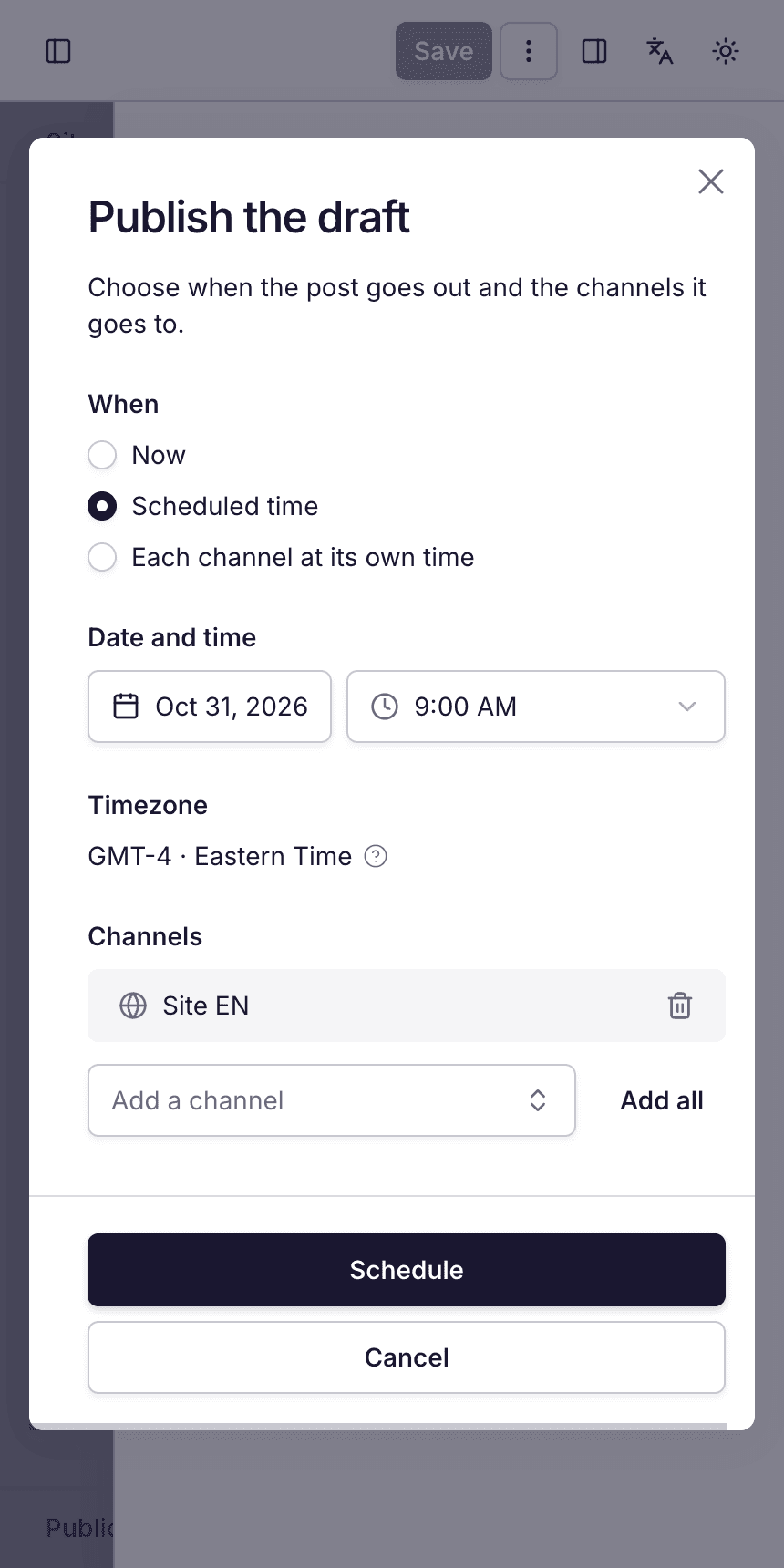
Schedule publication
- Date and time
- Choose when the article goes live.
- Your timezone
- Check the timezone before scheduling.
- Blog channel
- Send the article to your connected site.
Ask anything. Get real sources back.
Copy a prompt to try it yourself.
Research what changed in AI for e‑commerce over the last 30 days. Write a blog draft with links to the original sources.
What have people been saying about electric bikes over the last 7 days? Turn the recurring questions into a Telegram post with source links.
Write this week’s e‑commerce roundup using my saved custom instruction for my blog. Keep it practical and schedule publication at 5PM.
Turn my latest article into a Telegram post. Keep the main takeaway and source links, then show me a preview before publishing.
Every Monday at 9 AM, research the last 7 days of e‑commerce news and prepare a draft for review. Ask me which timezone to use.
Compare my latest draft with the collected source excerpts. Flag claims that need verification and suggest edits.
Set up in under a minute
Connect your AI client with OAuth. No API key needed.
- Step 1
Enable MCP server
Check that your MCP server is enabled in your account Settings → MCP
- Step 2
Connect tool
Choose your AI client and follow its connection instructions.
Server URL
https://api.by30days.com/mcp- Run the command in a terminal to add By30Days for your user account.
- Run claude mcp login by30days, or open /mcp inside Claude Code and authenticate by30days.
- Approve the workspaces and access mode on the By30Days consent page, then ask the agent to call whoami.
claude mcp add --transport http --scope user by30days https://api.by30days.com/mcp
CreditsReading is free. Paid tools spend the account’s credits as the panel does.
Frequently asked questions
What is By30Days MCP?
A server your AI client connects to over the Model Context Protocol. It offers what the panel does as tools: tasks, drafts, schedules, publishing, channels, styles, trends and spending, under the same account, roles and limits.
Which clients work with it?
Any client that speaks MCP over HTTP and can sign in with OAuth: Claude Code, Claude, Cursor, ChatGPT, Codex, Gemini CLI, VS Code and others. Clients without OAuth, scripts and CI use a key from Settings → MCP.
Is it free?
The connection is. Reading costs nothing; paid tools spend the account’s credits as the panel does: a task, a run of a schedule, a translation. The agent tells you when a call needs credits.
Can the agent publish without me?
Yes, if you enable auto-publishing for a task or schedule; its posts can go out later without a new prompt. Publishing requires a connection with Publish access. For individual posts, MCP returns a preview of the content, channels and timing. You approve it in your client’s confirmation dialog, if supported. Otherwise, the agent is instructed to ask in chat; the server does not separately verify that chat approval.
What stays in the panel?
Connecting and repairing channels, team, billing, profile and two-factor settings. The agent gets a link to the right page instead.
Does the model see my passwords or keys?
No. The server never returns credentials, the agent is told to refuse a key pasted into the chat, and a connection or a key is revoked in one click.
How do I disconnect?
Open Settings → MCP in your By30Days account. You can switch MCP off for the whole account, remove an individual connection, or edit its access permissions. Choose read-only, read and edit, or publish access for each connection.
Still have questions? Write to support@by30days.com.
Have a topic in mind?
Let your AI agent handle it.
Connect By30Days to your favorite AI client. Your agent will find sources, prepare the text and publish to any of your social accounts or your website.